Interactive 3D work instructions
Connected worker platformfor next gen manufacturing
StepForge3D turns your CAD models into interactive 3D step-by-step instructions, so your teams can see exactly how to assemble, maintain and service equipment.
- Privacy first, data secured
- Runs on your own servers
- Minimal training
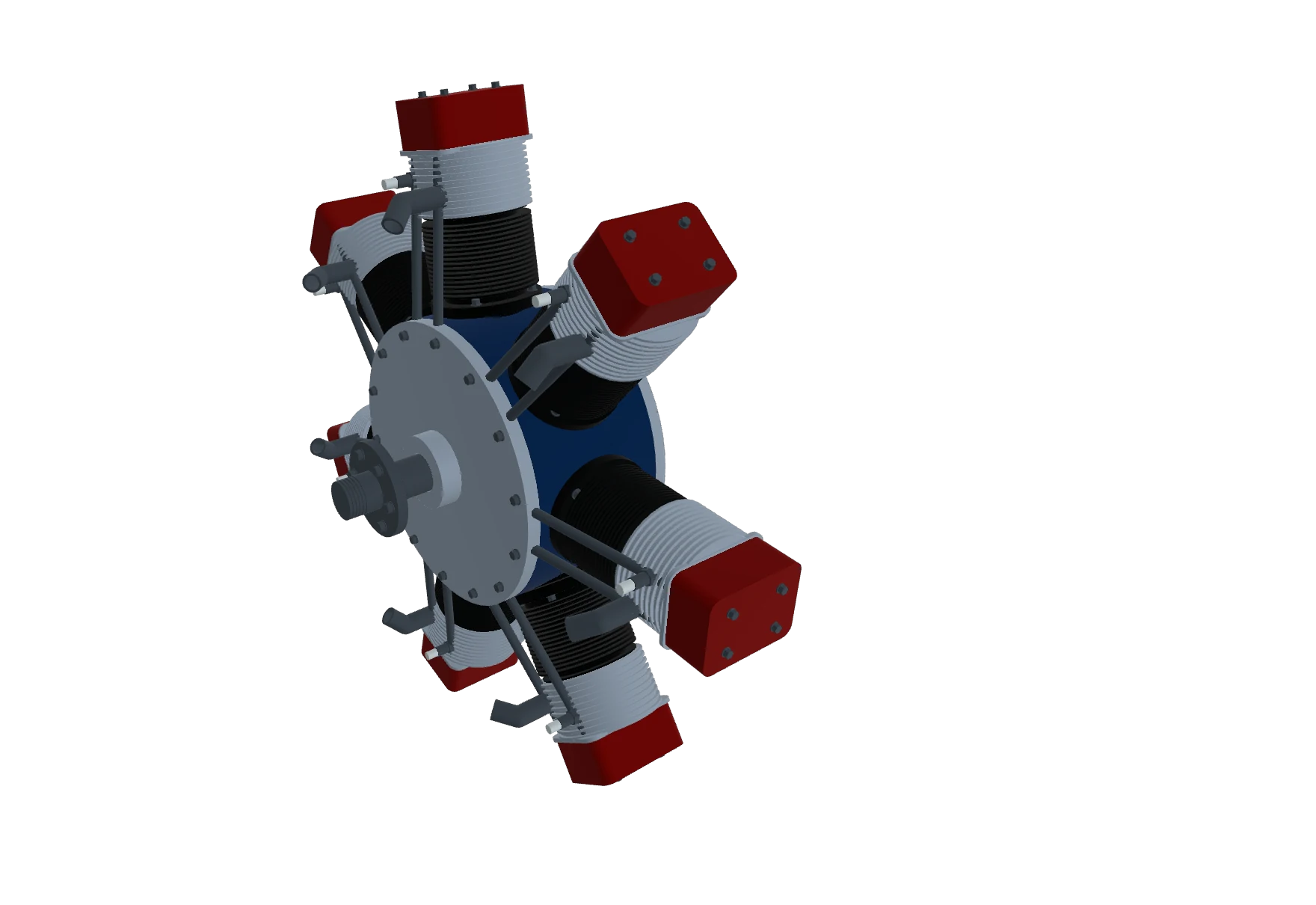
- Rotate
- Zoom
- Explode
- Step-by-step
- Cross-section
How it works
From CAD to instructions in three steps
1Bring in your CAD
Import STEP, IGES or glTF/GLB. Parts and assembly tree come with it.
2Build the steps
Move, explode and cut through parts. Add callouts and camera views.
3Publish
Publish to the web player. Each publish is a new version; older ones stay unchanged.
Why StepForge3D
Easy to learn. Light to run.On your own servers.
Quick to learn
Built for basic to advanced users, with minimal training.
Lightweight
A light tool made to get work done, not a heavy suite.
Privacy first, data secured
StepForge3D runs on your own servers.
One model, many outputs
The same work becomes:
- Web player
- Offline HTML
- PDF manual
Features
What you can do
- Ready-made actions: install, remove, screw in, lift
- Callouts with links
- Chapters and sections
- Parts lists (BOM), with CSV export
- Print-ready PDF manuals with parts tables
- Version history for every publish
- User roles and project permissions
- Coming soonPLM integrations
Our vision
The connected worker,built on your engineering data
Engineering data shouldn't stop at engineering. StepForge3D turns it into 3D instructions for the people who assemble, maintain and service the equipment.
Bridging engineering, operations and people through interactive 3D.
See it on your own equipment
Book a demo and we'll show you how StepForge3D works.